ChatGPT Plugin, Post-Call Emails, New Synthflow App & more
September was a busy month at Synthflow: you can now build agents from inside ChatGPT, have your agent email a summary once the call ends, see exactly how every transfer ended, and move your workspace to the new, faster Synthflow app. Let's dive in.
If you missed August, it brought Campaigns, the Advanced Synthflow LLM, Business Hours, and analytics across subaccounts.
Official ChatGPT Plugin
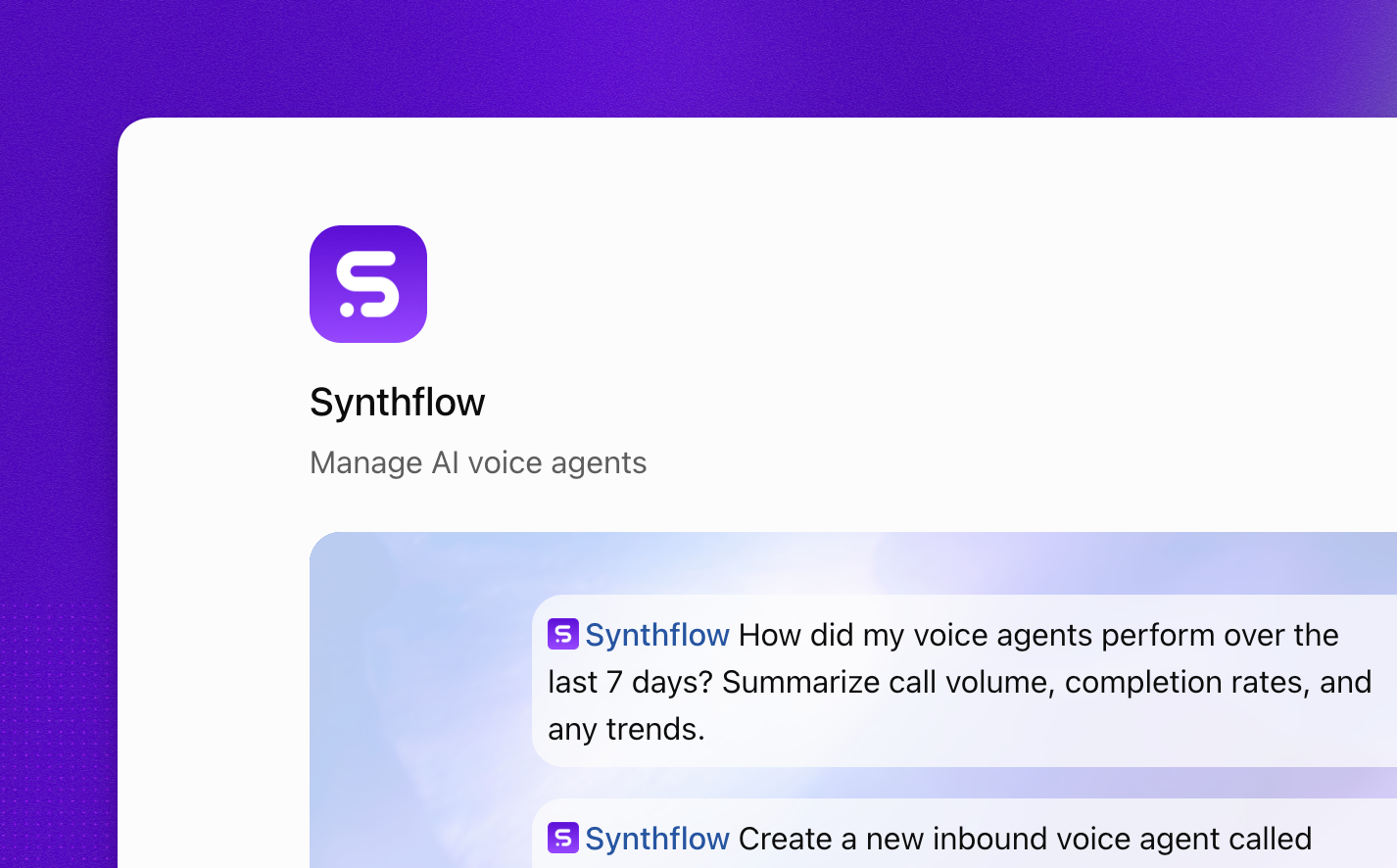
Synthflow's official ChatGPT plugin is now live. Build and manage voice agents from a conversation in ChatGPT, without leaving the chat. It suits teams that already draft prompts and plan call flows in ChatGPT and want to turn that work into a running agent in the same place. The setup guide walks you through connecting your workspace.
Post-Call Emails
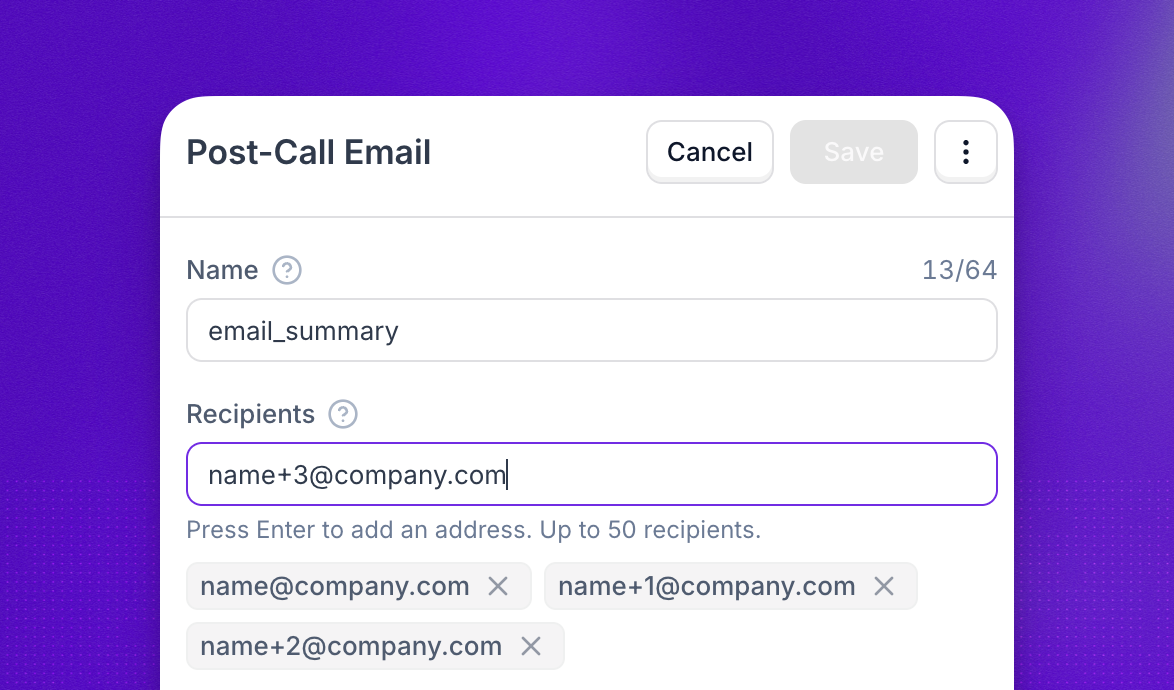
Your agent can now send an email once the call ends. Attach a Post-Call Email action to any agent and pick who should receive it. Use it to put a call summary in front of a sales rep, alert a support lead, or keep a manager in the loop, without anyone opening the dashboard.
The New Synthflow App
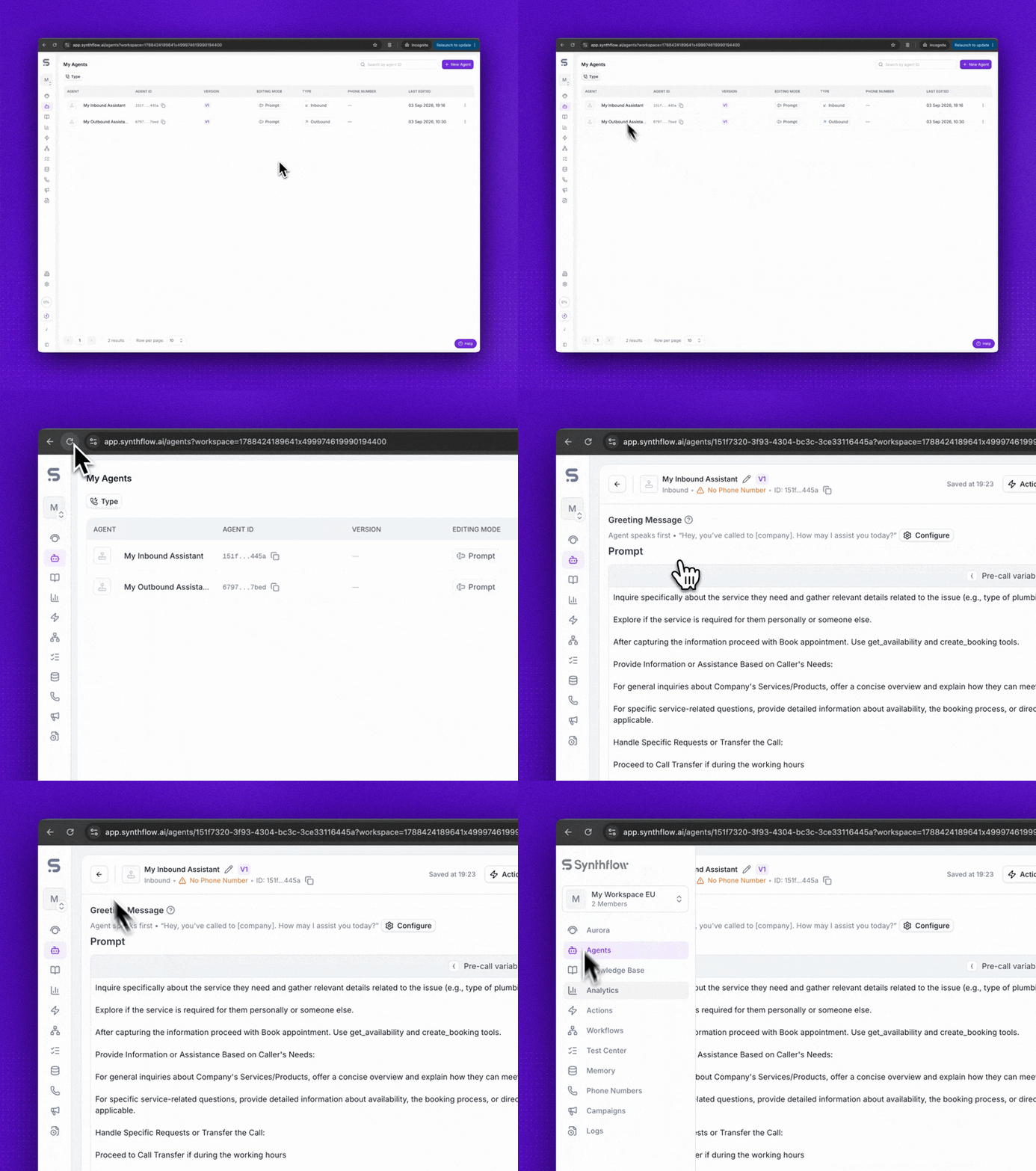
The new Synthflow app runs at app.synthflow.ai, with faster page loads and more responsive navigation. Turn it on for your workspace from Early Access. The guide covers what changes and the current known issues, so you can decide when to switch your team over.
Improvements
Simulations in the agent editor. Create and run test suites without leaving the agent editor. Change a prompt, rerun the suite, and see what passed or failed right next to the agent.
Prompt Reuse metric. Prompt Reuse in Analytics shows how much of an agent's prompt the AI model reused instead of reading it again. The more an agent reuses, the lower its latency in the call, which helps explain why some agents respond faster than others.
200 voices for Synthflow TTS. Synthflow TTS now offers 200 voices instead of 12. Filter the Voice selector by accent, gender, or language, and preview a voice before you assign it. Voices already on your agents are unchanged.
Synthflow TTS for multilingual agents. Agents set to Multilingual can now use Synthflow TTS as their voice model or fallback. One voice covers the whole conversation, including when the caller switches language mid-call.
Custom action response time. Call details now shows the response time of every custom action. Open the Actions tab to find the slow endpoint behind a long silence.
Call quality on every call. The Telephony tab now reports call quality for every call, so you can rule out the network without pulling a PCAP.
Auto-overage for subaccounts. Parent accounts now control whether a subaccount can call past its included minutes. Turn on Auto-overage and the extra minutes are billed to your account at your per-minute rate.
API Changes
Time to human on warm transfers. Connected warm transfers now include
human_connected_at, the moment the caller reached a person (transfer timestamps).New transfer outcome states and failure reasons. Transfers can now report phone menu, voicemail, and busy outcomes, and failed transfers return a specific failure reason. Find every state and reason in the transfer outcome states reference.
Every transfer attempt in the post-call webhook. The action execution timeline lists each attempt and the number it dialed.
Call quality in the API. The call quality measurements from the Telephony tab are also returned by the Calls endpoints.
Deprecations & Migrations
All Voice Widgets now use the new design. As of September 16, 2026, every remaining Voice Widget runs on the upgraded design and faster real-time backend. No action was required: the embed already on your site keeps working. The Voice Widget migration guide explains what changed.