What's New in July: Powerful Agent Monitoring + Easier Outbound
Hey!
Summer’s heating up and so are our updates!
We’ve launched two of your most-requested features for monitoring agents. Verify the outcome of your calls with Custom Evaluations that score calls on your own definition of success. Next, keep an eye on it all with the Analytics Dashboard’s real-time charts. If a metric slips, you’ll see it faster than your users will feel it.
And when you’re ready to take those rock-solid agents out into the world, the rest of this release has your back. The new WebSocket SDK drops Synthflow straight into any webpage or app, our Advanced Batch templates turn massive outbound lists into a few clicks, and 17 new languages allow you to greet customers in their own words.
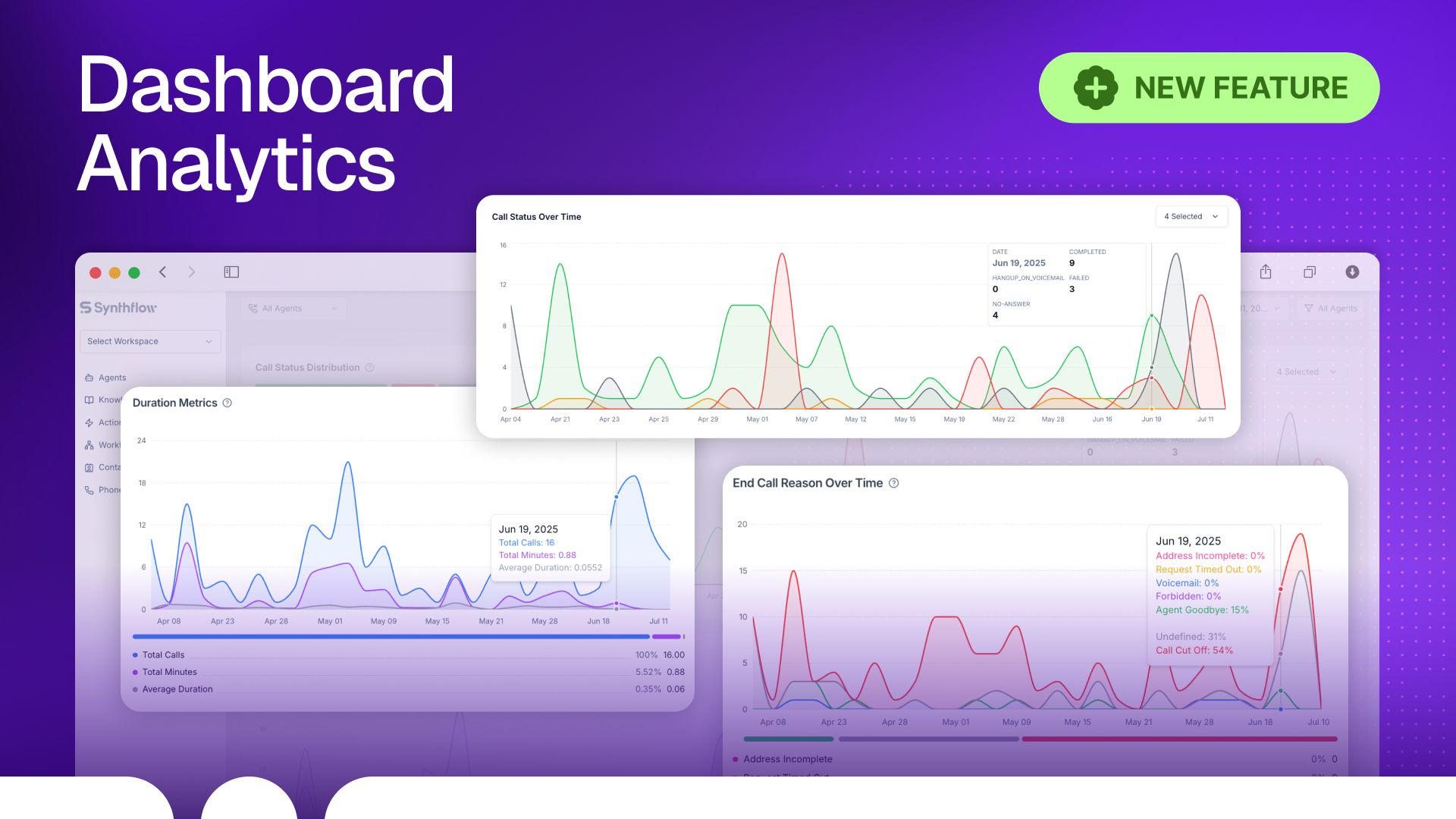
The new dashboard gives you a single place to monitor Voice AI agents in production.
Key highlights:
Monitoring: Monitor call volume, call status, and success rate
Reporting: Create reports without manual exports
Quality assurance: Find and address quality issues with live metrics
No setup required. All key metrics are in one place, optimized for speed and clarity.
Documentation: Read here →
API Documentation: Read here →
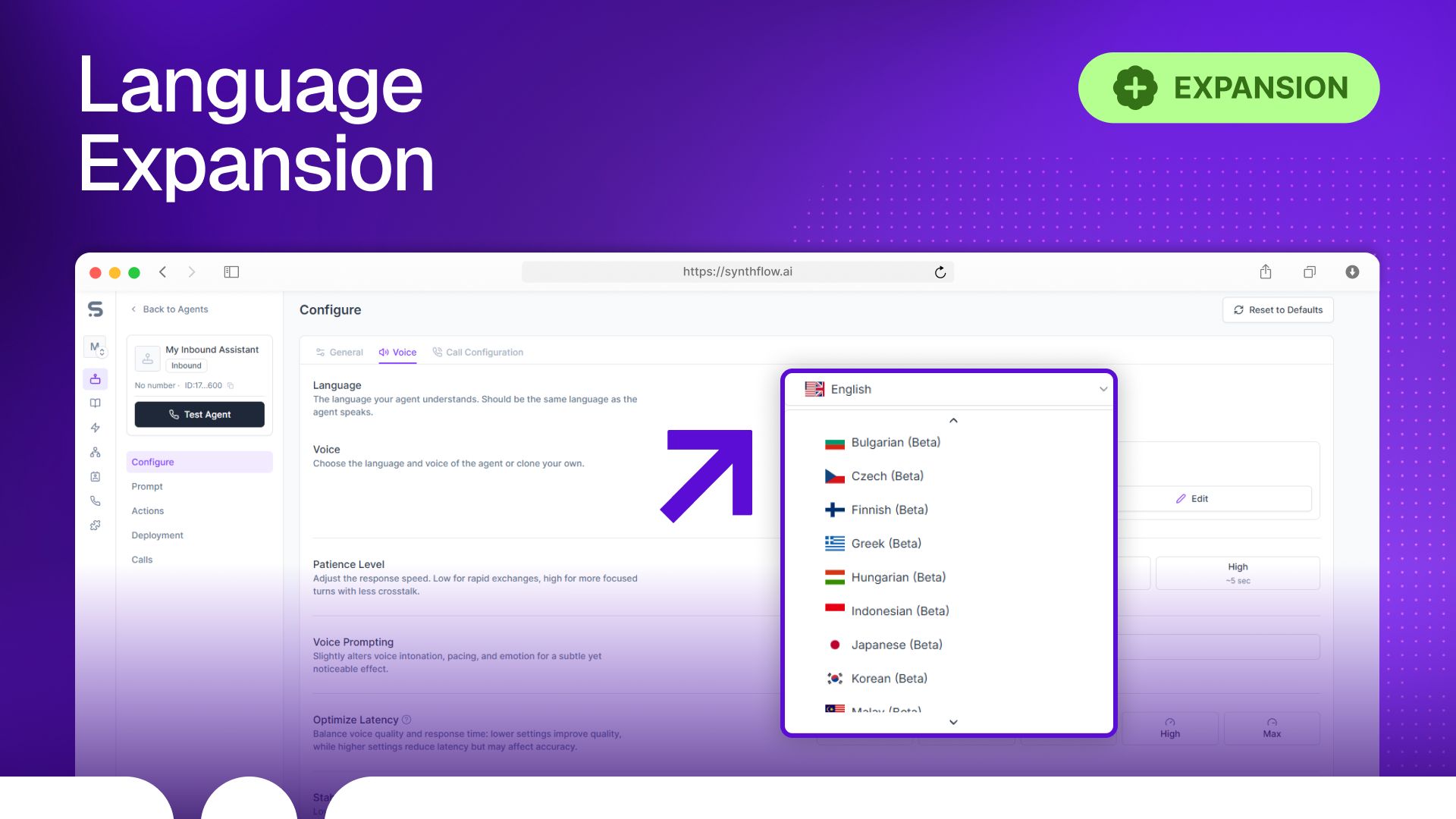
Synthflow now supports 17 additional languages including Bulgarian, Czech, Finnish, Greek, Hungarian, Indonesian, Japanese, Korean, Malay, Norwegian, Portuguese, Romanian, Russian, Slovak, Spanish, Turkish, Ukrainian, and Vietnamese.
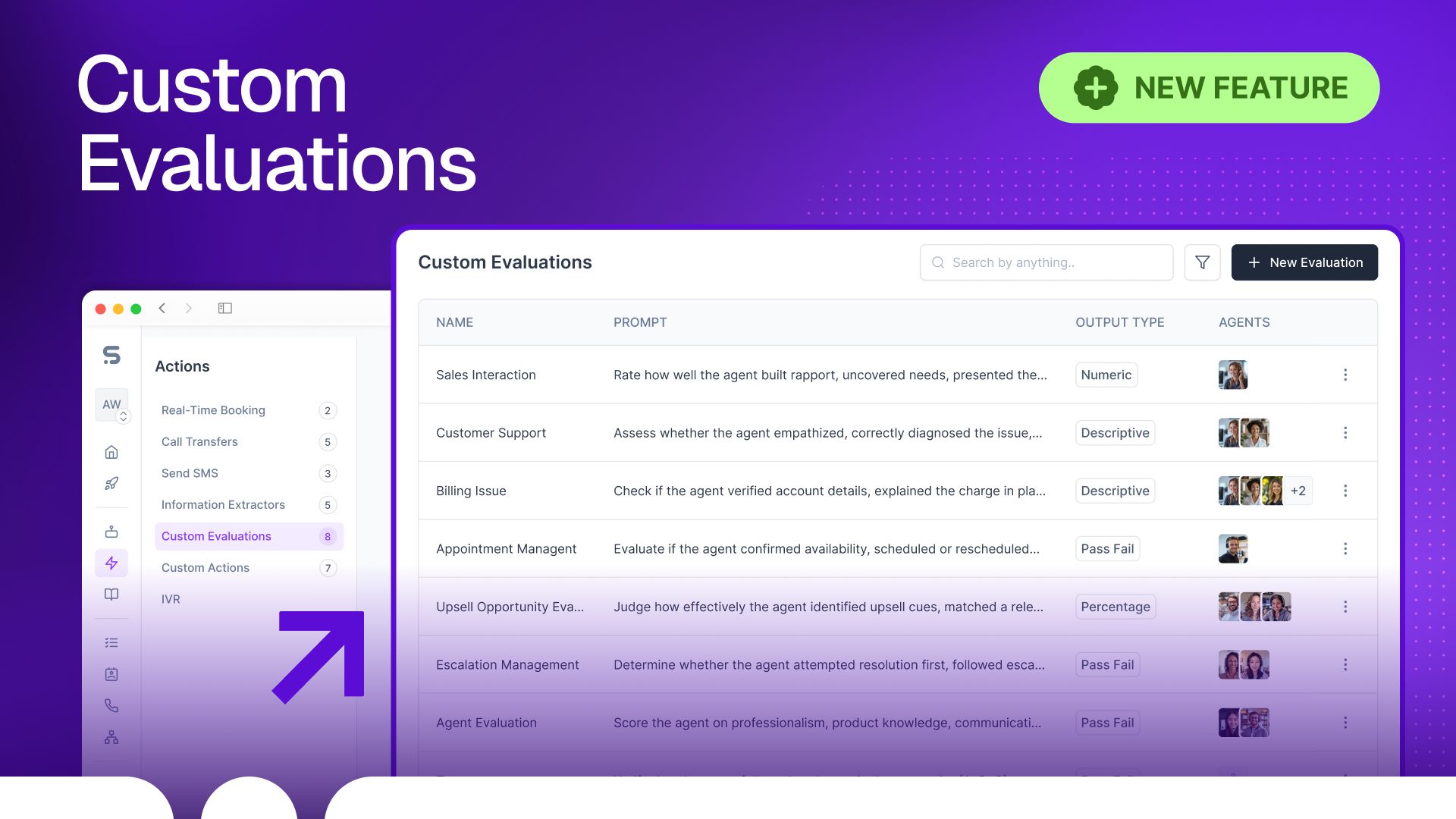
We’ve rolled out Custom Evaluations, a powerful After the Call action you can now attach to any voice agent. Simply type natural-language checks like “Did the agent explain the loyalty program?”, and our LLM automatically reviews each transcript, returns a verdict, and highlights the exact sentence(s) that justified the decision.
Key highlights:
Instant visibility: Verdicts appear seconds after the conversation ends
Performance surfacing: Quickly identify your highest-performing agents and drill into failed calls for QA and coaching
Business alignment: Evaluate agents against your real-world goals, not generic scripts, using free-form criteria tailored to your operation
Use Custom Evaluations to enforce brand standards, process adherence, or any outcome you care about.
Documentation: Read here →
API Documentation: Read here →
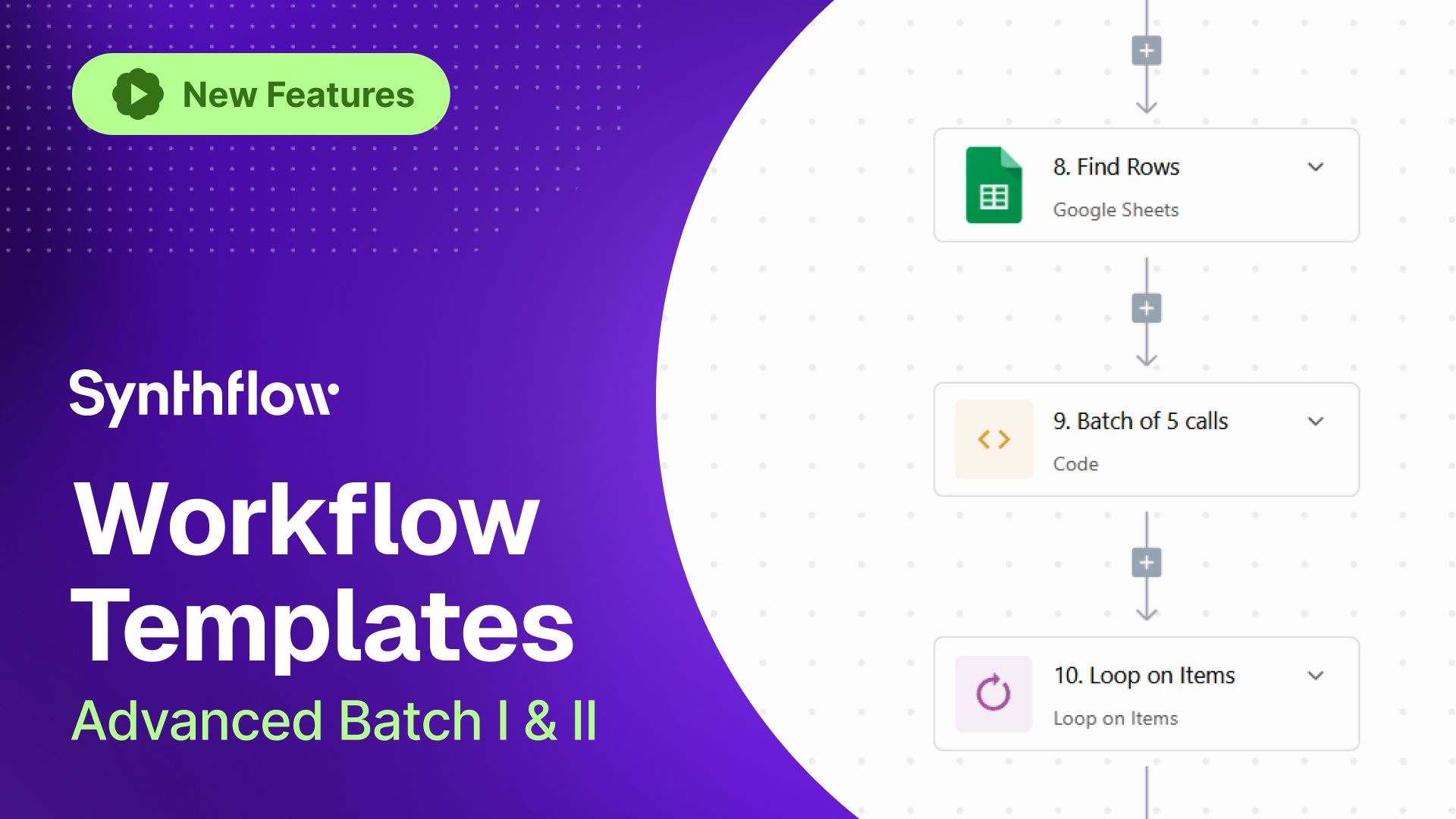
The new workflow templates make outbound calling a breeze. With workflow template Advanced Batch I automate outbound calls from a Google Sheet contact list. Perfect for bulk sales, marketing, or customer engagement.
How to set up Advanced Batch I:
Go to Workflows → Create Flow → Use Presets and select “Advanced Batch 1.”
Download the Google Sheet template.
Fill in your contact list.
Set up a webhook to trigger the workflow (manual start isn’t supported).
Adjust business hours as needed (default is Eastern Time).
Trigger and test your workflow.
With Advanced Batch II automate follow-up sequences to efficiently nurture leads.
Video Tutorial: Watch here
Google Sheet Template: Access here
Synthflow is now seamlessly integrated within the Freshworks ecosystem. Freshworks users can now effortlessly deploy Synthflow Voice AI agents directly within Freshcaller, enabling automated and intelligent customer interactions 24/7. Securely and reliably integrate enterprise-grade conversational AI.
Install now: Freshworks Marketplace
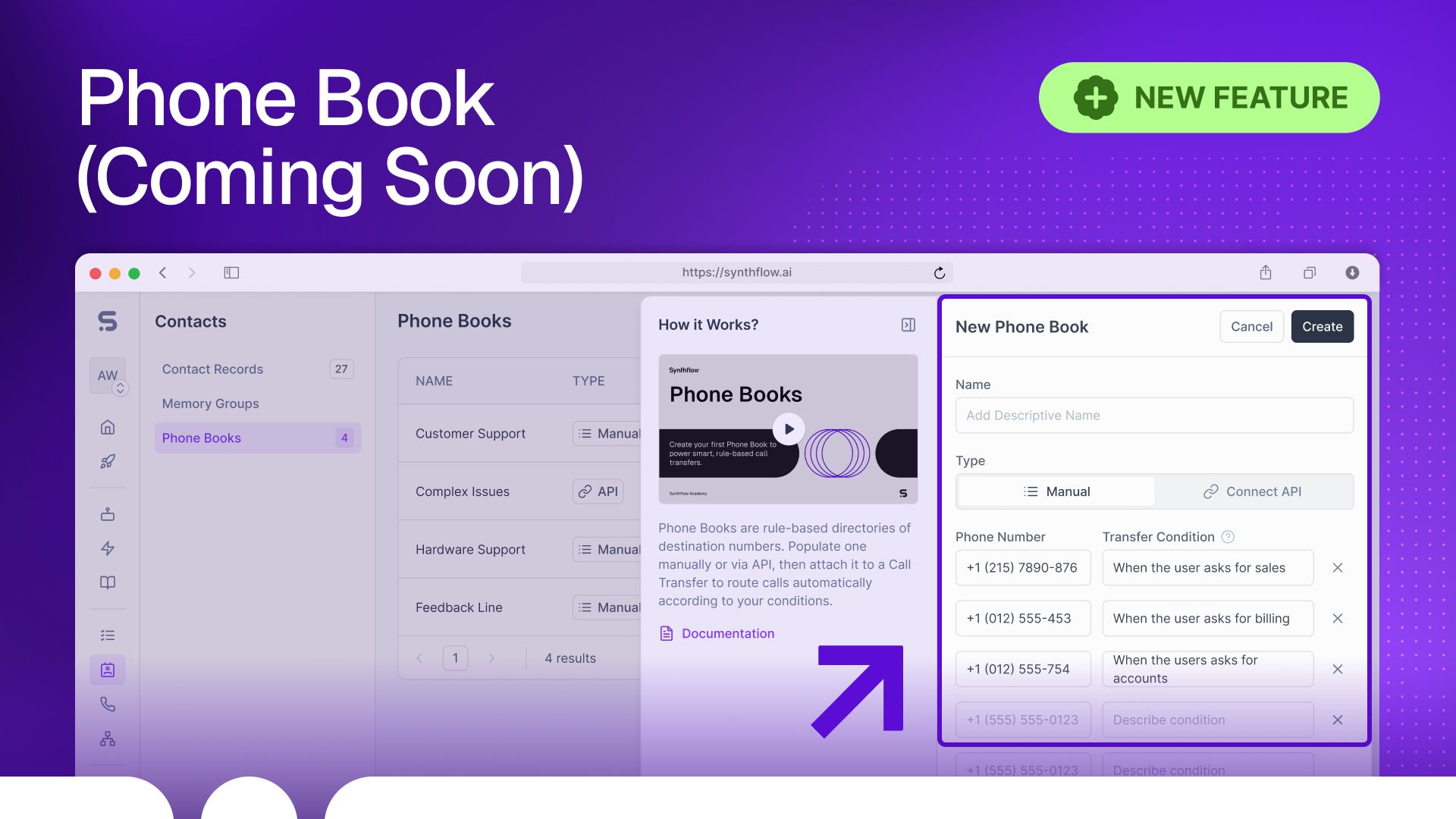
Synthflow Phone Book (coming soon) simplifies and scales conditional call transfers, so your AI agents can route callers to the right branch or department automatically, without complex setup. Unlike rigid transfer trees, Phone Book will centralize routing logic into a single, manageable interface, supporting over 50 numbers in-app and unlimited via API.
Key Capabilities:
Conditional Call Routing: Route calls dynamically based on user input (e.g. ZIP code, department request, time zones)
Advanced Conditions: Connect callers to the nearest store, office, or hospital with the lowest queue time or any other custom condition
One Action, Not 50: Replace dozens of manual transfer actions with a single, centralized phone book.
Breaking Change in Call Recording Behavior
After a transfer, Synthflow will no longer record the conversation between the customer and the transfer target. This change applies to all existing transfers. To continue recording post-transfer, use the update action API and set the payload: "stop_recording_after_transfer": false
Additional Updates
Websocket SDK: Embed Synthflow Voice AI agents directly into any website or app without altering your existing configurations, prompts, integrations, actions, or workflows. Seamlessly combine web-based and phone-based campaigns (Documentation →)
Warm Transfer API Enhancements: Create and update warm transfer actions via API
Post-Transfer Billing Update: Minutes after call transfer are no longer billed
OpenAI Priority Processing: Reduced latency for Enterprise customers
Bug Fixes: Agent silence fixed, call transfer logging corrected, standardized email format in transcripts, HTTP panic handling improved, and zombie calls resolved